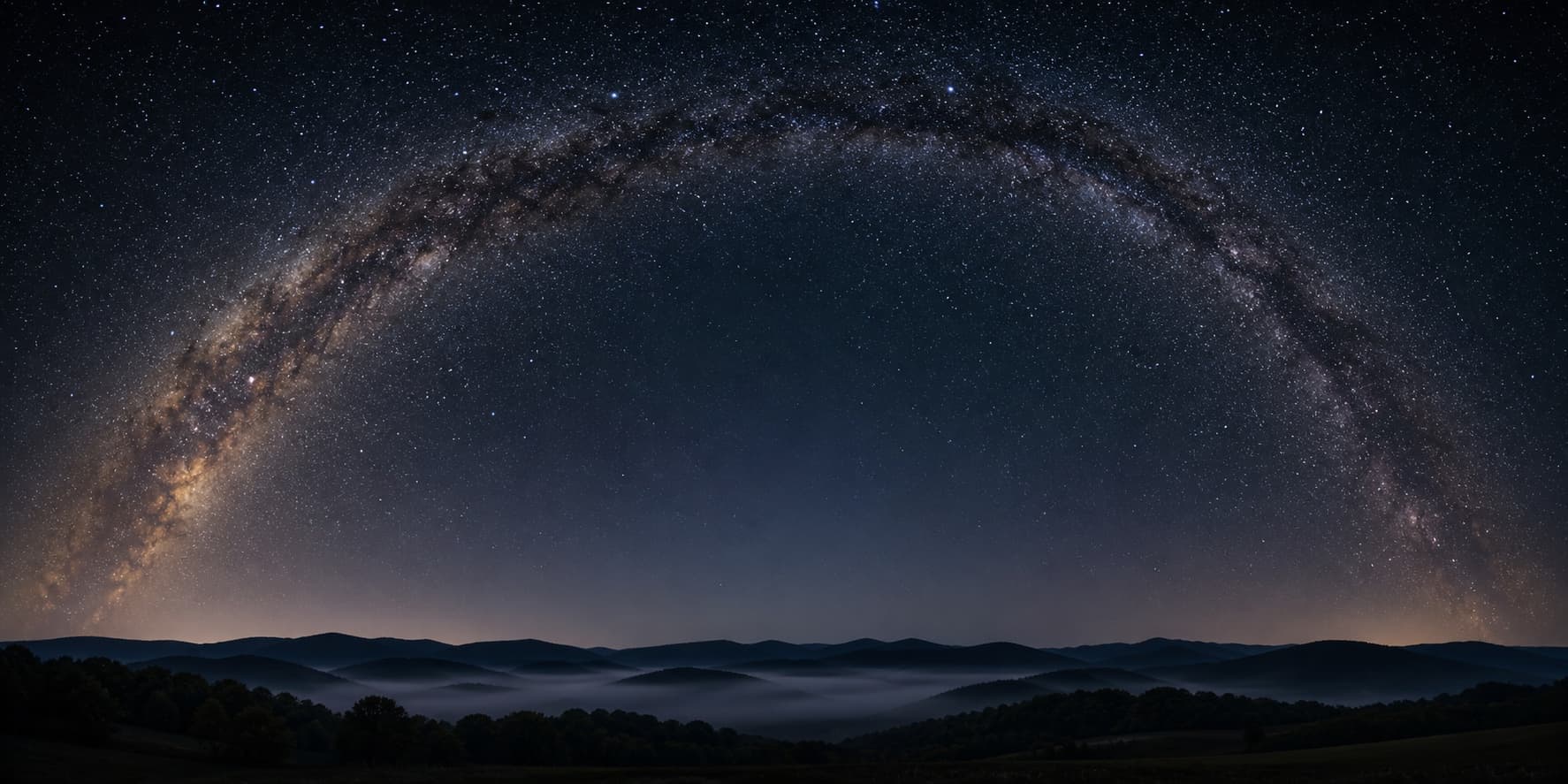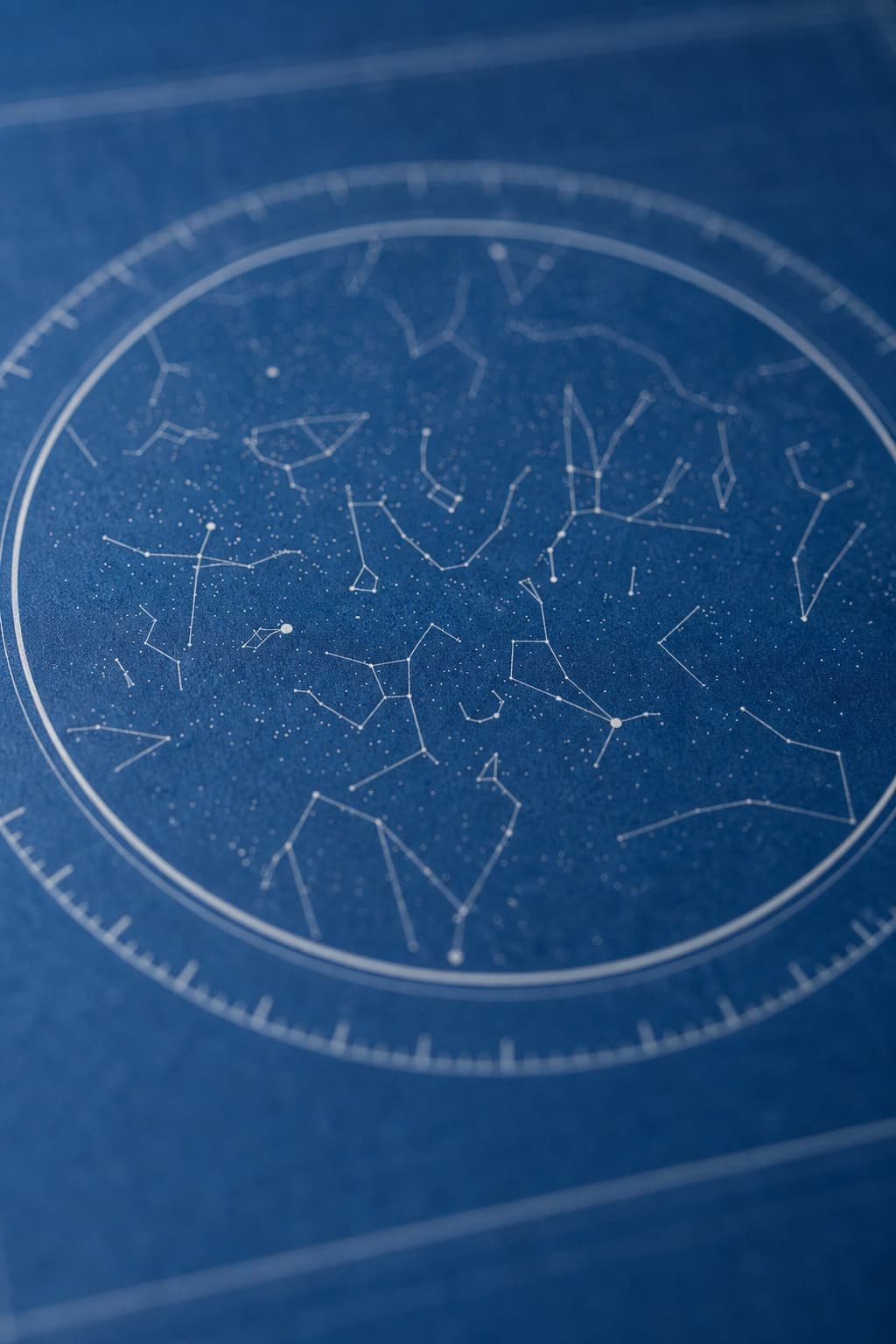
Short answer: yes. A well-made personalized star map matches the real sky to within a fraction of a degree — closer than the naked eye can tell.
Longer answer: a few of them are dressed-up decorative starfields with no real astronomy underneath. Here’s how to tell the difference, what data the real ones use, and how to verify any map yourself in about thirty seconds.
What “accurate” means for a star map
When we say a star map is accurate, we mean two specific things.
First, every star sits in the right spot relative to its neighbors — the constellations look like themselves. Second, the whole sky is rotated correctly for the date, time, and place you typed in.
If either of those is wrong, the map is decorative, not real.
The eye is forgiving, but only up to a point
The human eye can’t see the difference between a star at 22.0 degrees above the horizon and a star at 22.5 degrees. Half a degree of error is invisible.
But if a map is off by five or ten degrees, the constellations themselves start to warp. Orion stops looking like Orion.
A constellation that should sit in the south is drawn in the east. That kind of error you can see at a glance.
Real star maps don’t make that kind of error. They’re built on the same kind of math used to land spacecraft on Mars, which has been polished for decades and is, frankly, ridiculously precise.
What “accurate” doesn’t mean
A star map doesn’t guarantee you would have seen the stars it shows. That depends on whether you were in a city, whether the sky was cloudy, whether the moon was washing out the dim stars.
The map shows what was technically up.
It doesn’t claim the weather was clear. The accuracy is in the geometry, not the visibility.
What data goes into a real star map
Three pieces fit together to make every personalized star map possible. None of them are guesses.
A star catalog
The list of stars and their positions comes from a public astronomy database. The most common one used by personalized map software is the HYG Database, which combines a few of the gold-standard professional star catalogs into one open dataset.
HYG lists over a hundred thousand stars, of which roughly ten thousand are bright enough to see without a telescope. Personalized maps usually use that visible-with-the-eye subset.
Each star in the catalog has a position pinned to the sky itself, not to the Earth. That distinction matters in the next step.
Solar system math for the planets and the moon
Planets move relative to the stars, so they can’t be looked up in a static catalog. Their positions are calculated for each date using mathematical models of their orbits.
The math behind that is descended from the same ephemeris work NASA’s Jet Propulsion Laboratory uses to navigate spacecraft. The freely available version most personalized map software uses is the open-source library called astronomy-engine, which is accurate to better than one arc-minute for the planets and the moon out to the year 3000.
One arc-minute is one-sixtieth of a degree. You can’t see that kind of error without a telescope.
The coordinate transformation
The last step takes those universe-relative positions and rotates the entire catalog around your location and your moment in time. The output is a list of every visible object, with how high above the horizon it was and which direction you had to look to find it.
That math is hundreds of years old — it’s called the equatorial-to-horizontal coordinate transformation. Running it for ten thousand stars takes a few milliseconds on a phone.
We wrote the full how-it-works breakdown in How Star Maps Work, if you want every step explained in plain English.
Check it yourself in thirty seconds
Don’t take anyone’s word for it — including ours. You can verify any personalized star map against free astronomy software in well under a minute.
The Stellarium test
Stellarium is a free, open-source planetarium program that astronomers and educators use to simulate the sky for any date and place. It runs in your browser at stellarium-web.org and is also a free desktop application.
Pick the date and place from your star map.
Set Stellarium to that exact moment and location. The bright stars and constellations should sit in the same parts of the sky on both the map and Stellarium’s sky simulation.
If you find an obvious mismatch — Orion sitting in the wrong half of the sky, for example — the map is probably a decorative print, not a real calculation.
The planet test
Pick a date when you know a planet was visible — say, Jupiter was bright in the evening sky in late summer 2023. A real map for that date and a Northern-Hemisphere evening should mark Jupiter clearly in the eastern or southern sky.
If the map doesn’t show planets at all, or shows them as random extra stars, it wasn’t calculated — it was decorated.
How to spot a decorative fake
Not every product sold as a “custom star map” is real. A few sellers use the same generic starfield pattern for every order — cheap to produce, looks fine if you don’t check, completely meaningless as a record.
Three signs the product probably isn’t calculated:
- Pricing too good to be true. Real astronomy software, paper, ink, and shipping add up. A $9 “custom star map” isn’t paying for the math.
- No location input. Every real personalized map needs at least a city — if the seller only asks for a date, they can’t calculate which half of the Earth was facing which way.
- No planets, no moon, no Milky Way. Real software adds these because they’re part of the real sky. Generic starfields tend to leave them out because they’d give the trick away.
The simplest test: change the date by six months on two preview orders, side by side.
A real customizer will show two completely different skies. A fake will show two of the same.
Where errors actually come from
When a real map ends up looking “wrong,” the culprit is almost always the inputs, not the math.
Wrong date or wrong year
The biggest single source of error.
A wrong year shifts the planets by a lot, because Jupiter and Saturn move noticeably over months. A wrong day shifts the stars by a degree per day.
Double-check the year. Especially for old family dates — people often misremember whether something happened in 1973 or 1974, and the resulting sky looks different.
Wrong city or generic country
“Italy” isn’t enough — Milan and Palermo are on opposite ends of the country, and the resulting maps differ noticeably in how the sky tilts. Use the actual city.
For very precise users, even neighborhood-level location helps. Real customizers usually let you type a place name and pick from a list, which avoids ambiguous entries.
Time zone confusion
A 9 p.m. wedding in 1985 in a place that had different daylight-saving rules then isn’t the same UTC moment as 9 p.m. now. Good software handles that automatically by looking up which time zone rules applied to your date.
If you’re using a tool that asks you to enter a UTC offset by hand, double-check the rules for that year. Most modern personalized map software does this conversion silently and correctly.
Why this matters for the gift
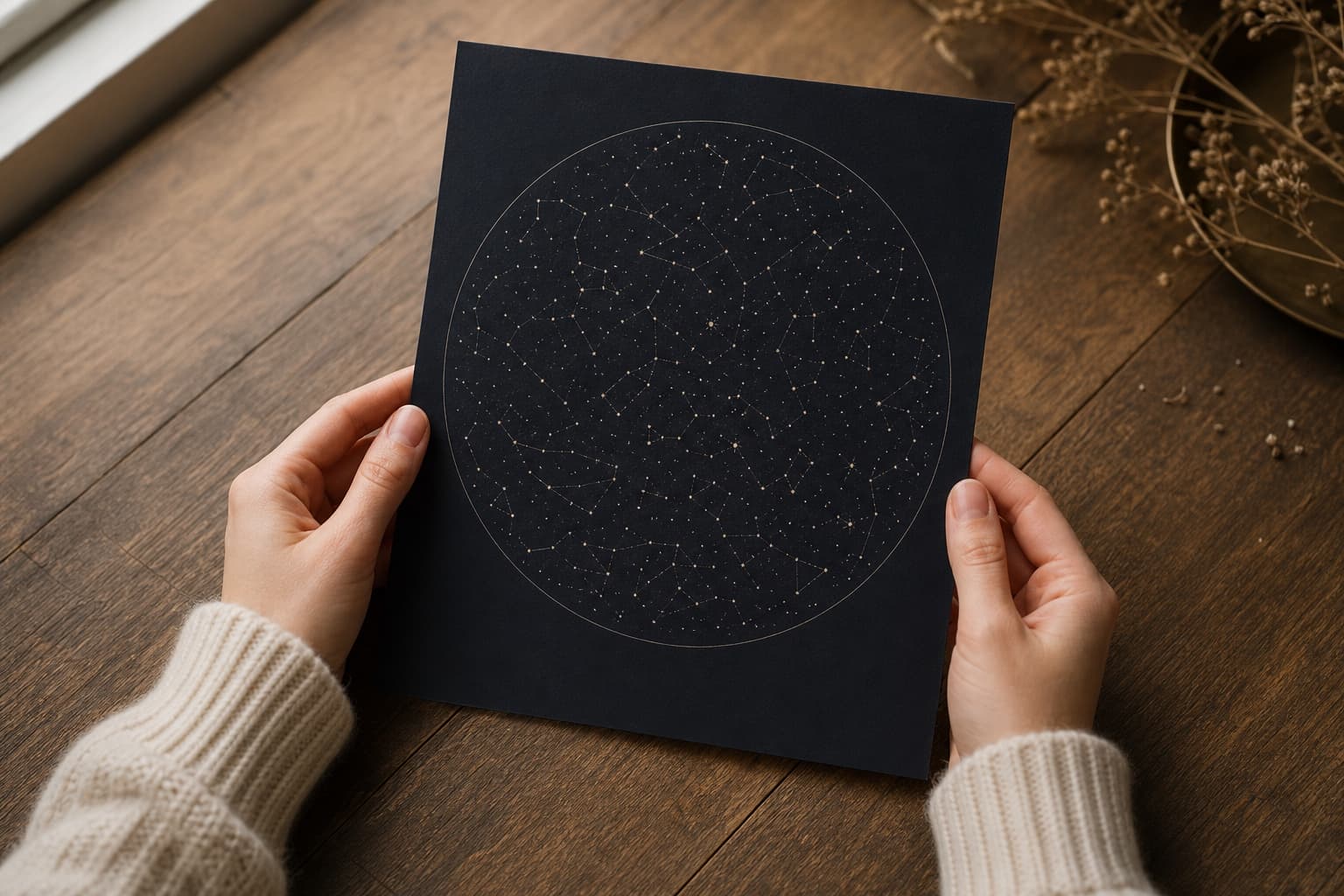
Accuracy is what separates “a poster of a starry pattern” from “a poster of the night that mattered.” The whole point of a personalized star map is that the sky on the print is the sky that actually was, on that specific date, from that specific spot.
That’s the part that lands when you give the gift.
Anyone can produce a pretty field of stars. Almost nobody captures the right pretty field of stars.
We built SkyWhen on the open-source astronomy-engine library and the HYG Database — the same tools researchers and educators use. The customizer renders the real sky for any date you give it, in real time, with no payment up front.
You can see it for yourself in the SkyWhen customizer . Try your own birthday and your birth city.
Then run the same date in Stellarium. The constellations should match.
If you want the bigger picture — what a star map is, why it works as a gift, and how the whole product fits together — the starting point is What Is a Star Map?
FAQ
How accurate is a personalized star map?
A real one is accurate to a fraction of a degree, which is well under what the eye can detect. The underlying math is the same kind used to predict eclipses and aim spacecraft.
Any visible error in a finished map almost always traces back to a wrong input — wrong date, wrong city, wrong time of night — not the calculation itself.
How can I tell if a star map is actually calculated and not a generic starfield?
The easiest test: compare two preview orders six months apart in date. A real map will show two completely different skies; a fake will show two of the same.
You can also compare your map against Stellarium for the same date and place. The constellation positions should line up. If they don’t, the map wasn’t calculated.
Can a star map be of a date hundreds of years ago?
Yes. The math will happily rewind the sky thousands of years if you ask it to.
For very ancient dates, a small wobble in the Earth’s axis called precession needs to be accounted for. Modern astronomy software handles it automatically.
Is the moon's phase shown accurately on a star map?
On a real one, yes. The phase is calculated from the same solar-system math used for the planets — so if it was a waxing gibbous on your date, the map shows a waxing gibbous.
If the moon hadn’t risen yet at your moment, or had already set, the map omits it entirely.
Why does my map look different from what I actually saw that night?
The most common reason is light pollution — the map shows everything that was geometrically up, including the dim stars only visible from dark skies. From a city, you may have seen only the top fifty brightest stars.
Other reasons include clouds, moonlight washing out dimmer stars, and seasonal haze. The map shows what was technically up, not what was easily visible.