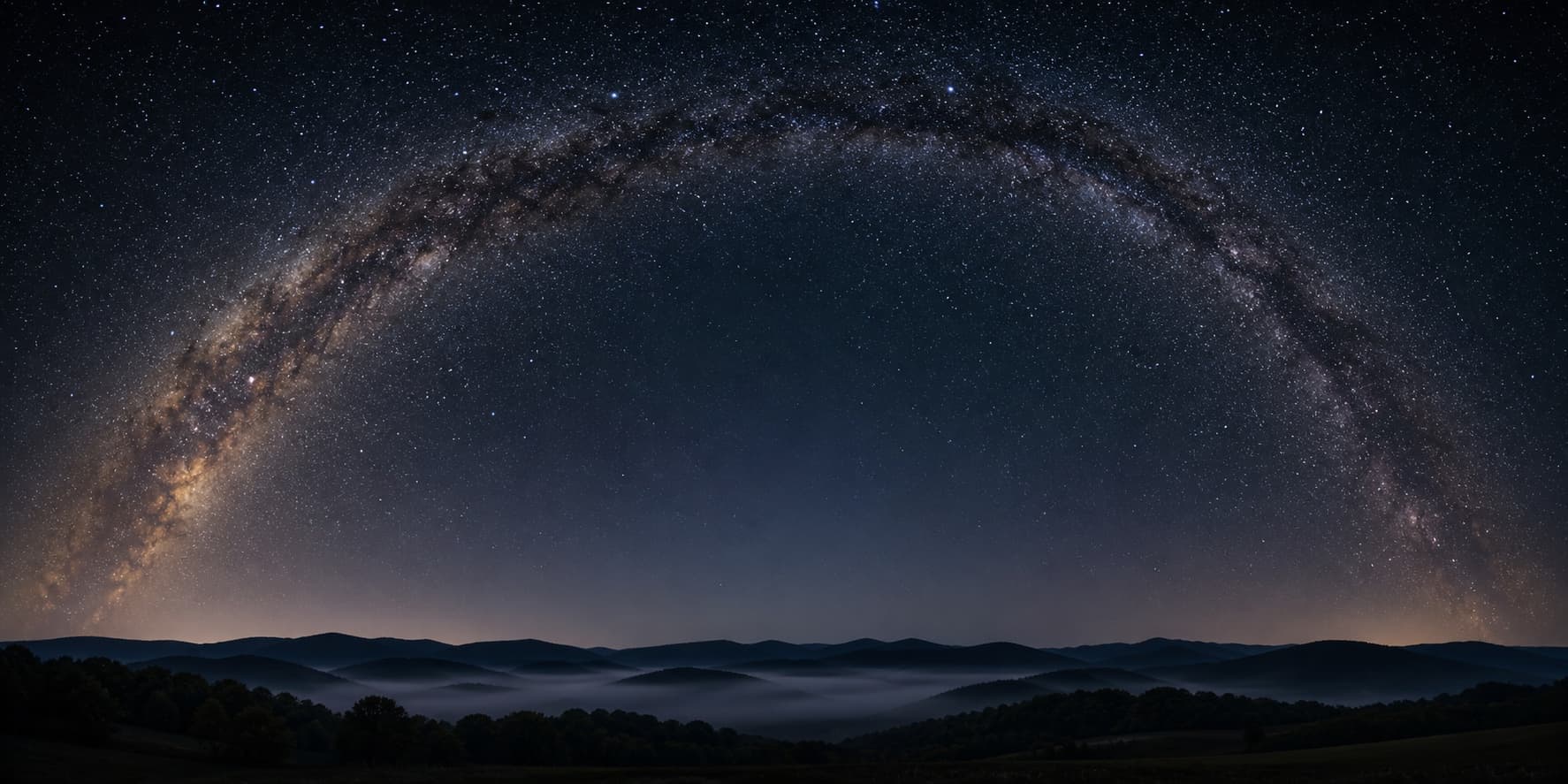
Personalized star maps work by taking three things you type in — a date, a time, and a place — and using real astronomy software to calculate where every visible star, planet, and the moon were sitting in the sky from that exact spot at that exact moment.
Those calculated positions get drawn onto a poster. That’s really the whole thing.
The interesting bit is the math underneath, which is the same kind NASA uses to point spacecraft at moons. Here’s how it all fits together, in plain English.
The three numbers that decide the whole sky
The sky overhead is never the same twice. It shifts as the Earth turns, and it shifts again as the Earth orbits the sun.
So to draw any one version of it, you have to nail down three things first.
Date
The date tells the software where the Earth was sitting in its orbit around the sun.
In summer the Earth points one way; in winter the opposite way. That’s why you can see the Milky Way’s bright center on July nights and basically not at all in January from the same yard.
The date also fixes which planets were visible. Venus might be a bright evening “star” in March and completely gone by May because Venus has its own orbit and its own schedule.
On longer timescales, the sky shifts very slowly because the Earth wobbles like a slowing-down top.
Over centuries the constellations drift a noticeable amount, which is why ancient star charts and modern ones don’t perfectly line up. Modern math handles the wobble for any date you ask for.
Time
The time tells the software where the Earth was in its daily rotation — which side of the planet was facing the stars and which side was facing the sun.
Every minute, the Earth turns about a quarter of a degree. That’s small, but it’s enough to slide every star a noticeable distance across the sky.
Two people in the same city, on the same date, an hour apart, are looking at noticeably different skies.
The sun rises, the stars wheel, the moon climbs. Everything moves.
For most personalized maps, a time accurate to the minute is plenty. The map of 10:14 p.m. and the map of 10:18 p.m. are almost identical to the naked eye, so don’t stress if you can’t remember whether it was 10:11 or 10:15.
Place
The place is the most underrated input.
People often shrug at it — does it really matter that much? Yes, a lot.
The Earth is a sphere, and the sky you see depends entirely on which patch of that sphere you’re standing on.
Someone in Sydney at midnight is looking at a completely different half of the universe than someone in Reykjavik at midnight, on the same date. Different stars, different constellations, different Milky Way arc.
Even cities a few hundred miles apart see slightly different skies. New York and Atlanta see the same constellations on the same night, but tilted at different angles to the horizon.
The closer you can pin the location — specific town, even specific neighborhood — the more the printed sky matches what someone actually would have seen. Most personalized maps let you type a place by name and pick it from a list.
From those three numbers to actual stars
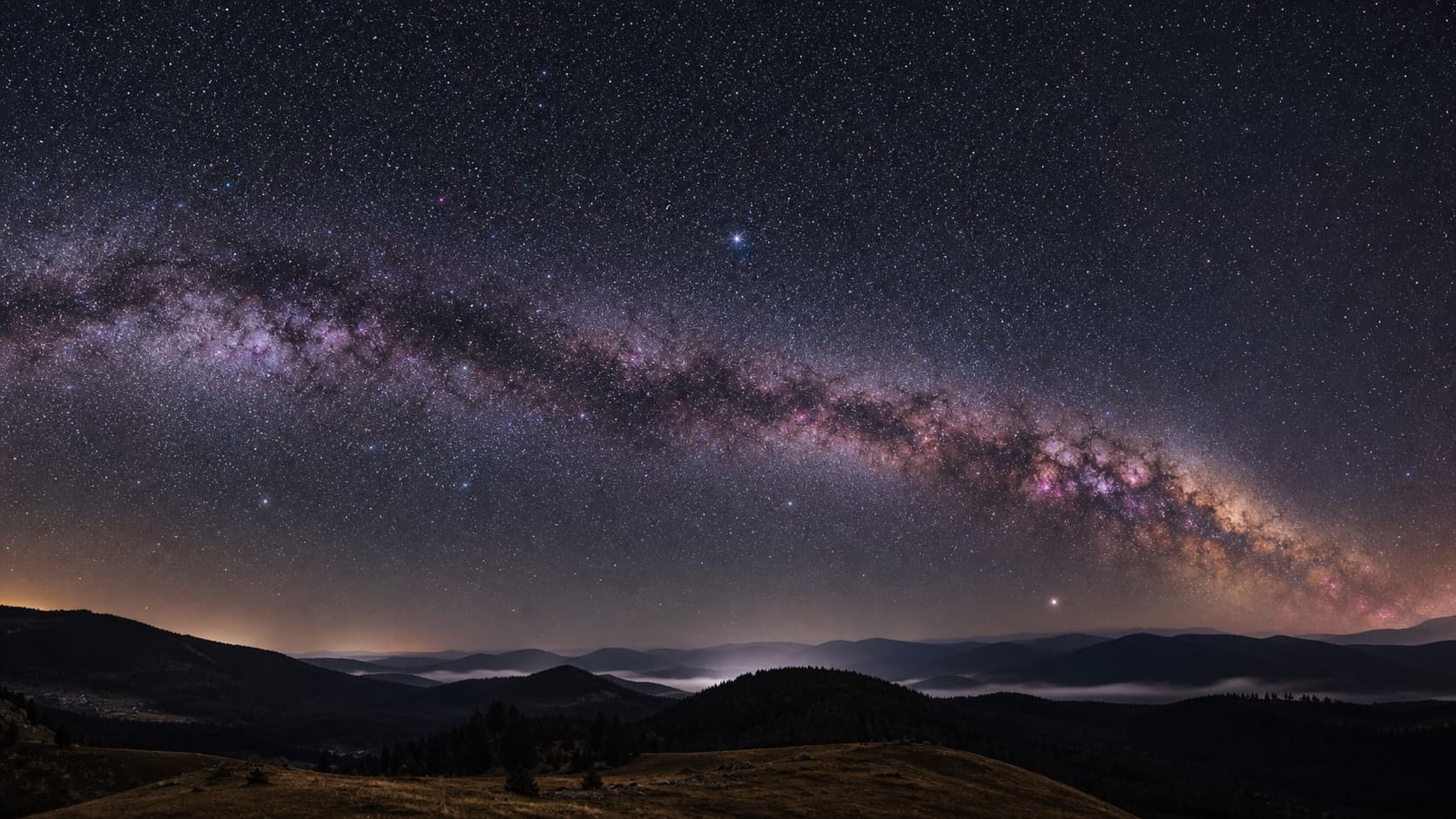
OK, so you’ve told the software when and where. How does that turn into “Jupiter sits low in the south at this angle”?
It happens in three steps, behind the scenes, in a fraction of a second.
Step 1: Get the real time at the real place
The first thing the software does is convert your time to something universal, because clocks on Earth are a mess.
Every time zone is just an offset from a single shared clock called Coordinated Universal Time, or UTC. The software needs to know UTC to do anything useful, so it figures out which time zone applied to your location on your date and converts.
That sounds boring until you realize time zones change. Daylight Saving Time is the obvious one, but countries also redefine their zones for political reasons.
India used multiple time zones in the 1940s. Russia rearranged its zones in 2010 and again in 2014.
So “9 p.m. in Mumbai on April 4, 1949” doesn’t mean the same UTC moment as “9 p.m. in Mumbai today.” Good astronomy software accounts for all of that history automatically.
Once UTC is locked in, the software knows the exact instant the universe was at, from a physics point of view.
Step 2: Look up where every star sits
Next, the software opens a star catalog. This is basically a giant spreadsheet listing every known star with its coordinates.
The most common catalog used for personalized maps is the HYG Database, which combines a few professional astronomy catalogs and lists about a hundred and twenty thousand stars. Personalized map software usually trims that to the ten thousand or so bright enough to actually see with the naked eye on a clear night.
Each star in the catalog has coordinates pinned to the sky, not to the Earth.
That’s an important distinction. The catalog tells you where Sirius sits relative to the universe; it doesn’t tell you where Sirius sits relative to you.
Planets and the moon get a separate calculation because they actually move relative to the background of stars. The software runs solar-system math for whichever date you asked for and gets their positions.
Step 3: Translate “out in space” to “up in your sky”
Now the cool step. The software takes those universe-relative star positions and rotates the entire star catalog around your location on Earth, at your moment in time.
Imagine the whole sky as a giant glass dome around the Earth, with every star pinned to the inside of the dome.
Your location is one specific point on the Earth’s surface. The date and time tell the software which way you’re facing through the dome at that instant.
After the rotation, the software knows two numbers for every visible star: how high above the horizon it sits, and which direction (north, east, south, west) you have to look to find it.
Stars that came out below the horizon for your time and place get dropped — you couldn’t have seen them.
Stars above the horizon get drawn. That set of drawn stars is your sky.
The same calculation runs for each planet and for the moon, with their special solar-system math. If Mars was behind the Earth from your view, Mars doesn’t show up.
For the technically curious: the math is called a coordinate transformation from equatorial to horizontal coordinates, and the open-source library astronomy-engine handles it in a few milliseconds per render. The math is a hundred years old; the speed of running it is new.
What actually gets drawn on the poster
Once the software has every visible star, planet, and the moon placed, it draws.
The drawing layer is where personality comes in, but the data underneath is fixed.
The stars themselves
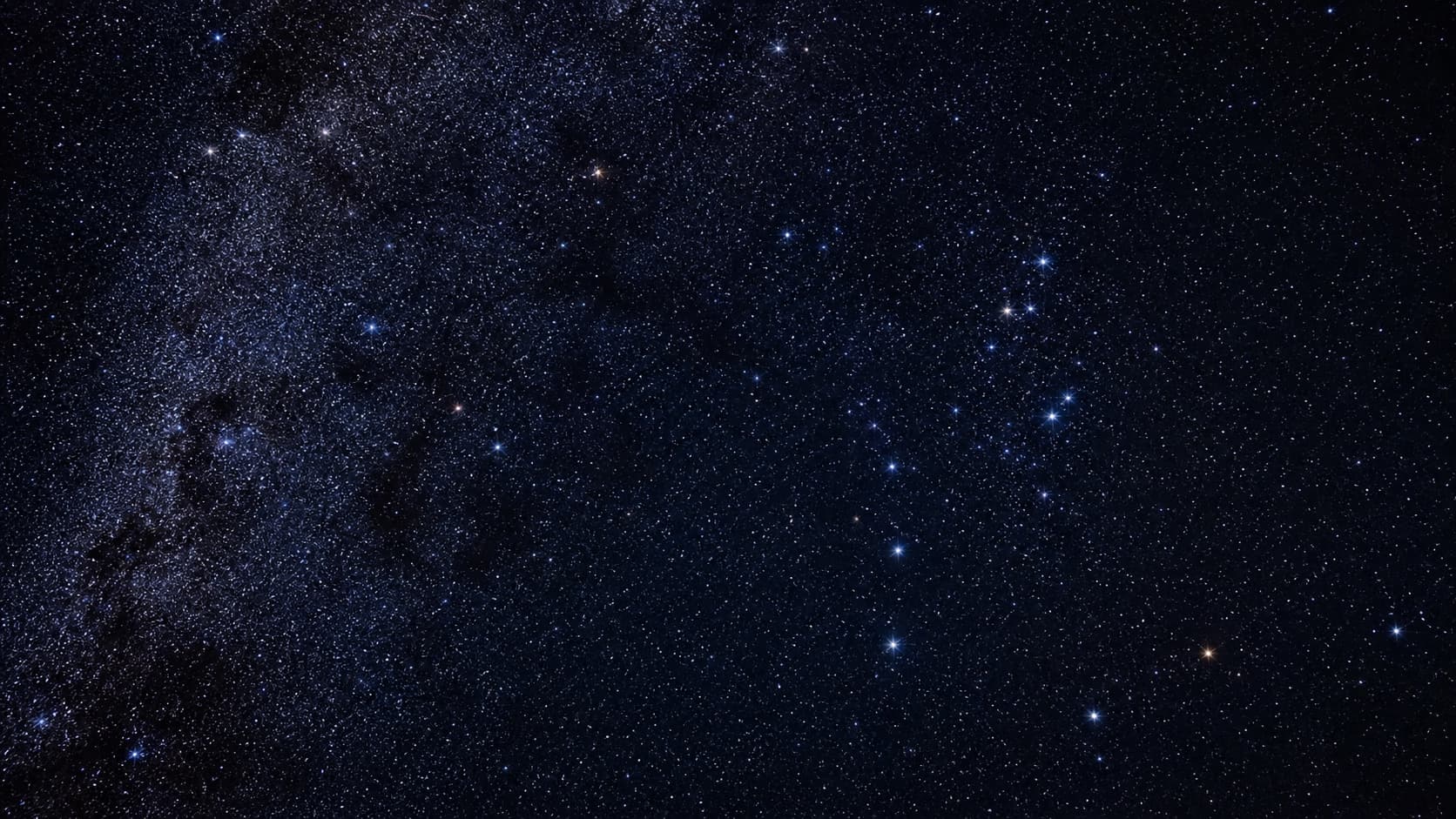
Each star is drawn as a small dot. The size of the dot is set by the star’s apparent brightness, called magnitude in astronomy.
Bright stars like Sirius and Vega get bigger dots.
Faint ones get tiny dots. The eye reads this as depth, and the sky looks recognizable instead of flat.
The color of the dot is usually creamy white, sometimes warmed toward gold for the brightest stars.
The poster isn’t trying to reproduce true star colors — that’d make the design noisy. It’s trying to look like the sky you actually remember seeing.
Constellation lines
Constellation lines are added on top of the stars, if you want them. They’re optional — some people like the busy version with all eighty-eight modern constellations, others want a clean field of dots.
The line patterns are not new data, just a stylization.
Different countries draw the lines slightly differently. Most modern star map products use the public-domain line set originally adapted by the Stellarium open-source planetarium project.
The lines are decorative, not predictive. They’re there to help your eye find Orion or the Big Dipper, the same way road maps draw highways thicker than alleys.
The Milky Way, if it was visible
The Milky Way is just the billion-or-so dim background stars that, from Earth, blend together into a hazy band. Personalized maps usually paint that band as a soft glow where the real Milky Way would have been at your date, time, and location.
If the math says the Milky Way’s bright core was below your horizon, the soft glow won’t appear. You only get the parts you actually could have seen.
The shape and the text
Finally, the sky gets masked into whatever shape you picked — a circle (the classic), a heart, a square, or a full rectangular canvas.
The shape doesn’t change the data; it just crops the field of view. A heart shows the same exact stars as a circle, just inside a heart outline.
A line of text underneath holds the place name, the date, and an optional message. The text is where the poster becomes personal in the visible sense — the stars do the silent personal work.
How accurate it ends up being
Short version: very accurate.
A well-built personalized star map can place every star to within a fraction of a degree of where it actually was. That’s indistinguishable from reality to the naked eye.
The only things that introduce error are the inputs you give. If you remember the date as “sometime in late June 1992” instead of the exact day, the sky shifts by a few degrees per day in your map.
If you pick the wrong city, the sky tilts.
If you pick the wrong year, the planets end up in the wrong places. The math is fine; the math is just doing what you told it.
We went deeper on the accuracy question in Are Star Maps Accurate? — including how to check your own map against free astronomy software like Stellarium, in about thirty seconds.
Try it on any date that matters
The fun part of all this math is that it doesn’t care which date you ask for.
It’ll happily run the sky for last Tuesday, for your grandmother’s wedding day in 1954, for the night Apollo 11 landed, or for a Tuesday a hundred years from now. Same calculation, same accuracy.
Which means the easiest way to actually understand any of this is to try it on a date you already know. Plug in your own birthday and the city you were born in, and see what was overhead the night you arrived.
You can do that for free, right now, in the SkyWhen customizer. No payment, no sign-up — the preview shows you the exact sky the print would use, and you can change any input and watch the stars shift in real time.
If you’re newer to all this and want the broader picture first, the hub article is What Is a Star Map? — what they are, what they’re for, and why people give them as gifts.
Once you’ve made one, the next thing people want to know is how to read it. How to Read a Star Map walks through finding the horizon, the zenith, and a few constellations on a printed sky.
FAQ
How does a star map know what the sky looked like on a specific date?
It uses astronomy math — the same math used to predict eclipses and aim spacecraft. The Earth’s motion through space is well understood, so for any date the software can calculate where the Earth was and which way it was facing.
Combined with a catalog of about ten thousand visible stars and the positions of the planets, that’s enough to figure out what would have been overhead anywhere on Earth at any moment.
What data are personalized star maps based on?
Two main sources. The first is a star catalog — usually the HYG Database, which combines several professional astronomy datasets into one public catalog of star positions and brightnesses.
The second is solar-system math for the planets, the sun, and the moon, because those bodies move relative to the stars. Most software uses the open-source library astronomy-engine or NASA’s JPL data for that part.
How precise does the time need to be?
For a printed poster, the minute is plenty. The sky shifts about a quarter of a degree per minute, which the eye can’t spot on a wall print.
If you’re off by an hour, the difference is noticeable but small — the constellations are still in the same neighborhoods of the sky.
If you only know “evening,” pick something like 9 p.m. The print will still capture the right night and the right hemisphere.
Can a star map handle a date hundreds of years in the past?
Yes — the math doesn’t care. It can rewind the sky thousands of years if you ask it to.
The Earth’s slow wobble (called precession) means the sky over Athens in 400 BC looked noticeably different from the sky over Athens today, and good software handles that automatically.
Why does the same date and time look different in different cities?
Because the Earth is a sphere. The sky directly above you is, by definition, in the opposite direction from someone on the far side of the planet.
Even cities only a few hundred miles apart see the same stars at slightly different angles, because the curve of the Earth tilts the view. The farther apart two places are, the more the printed maps will differ.